Trending

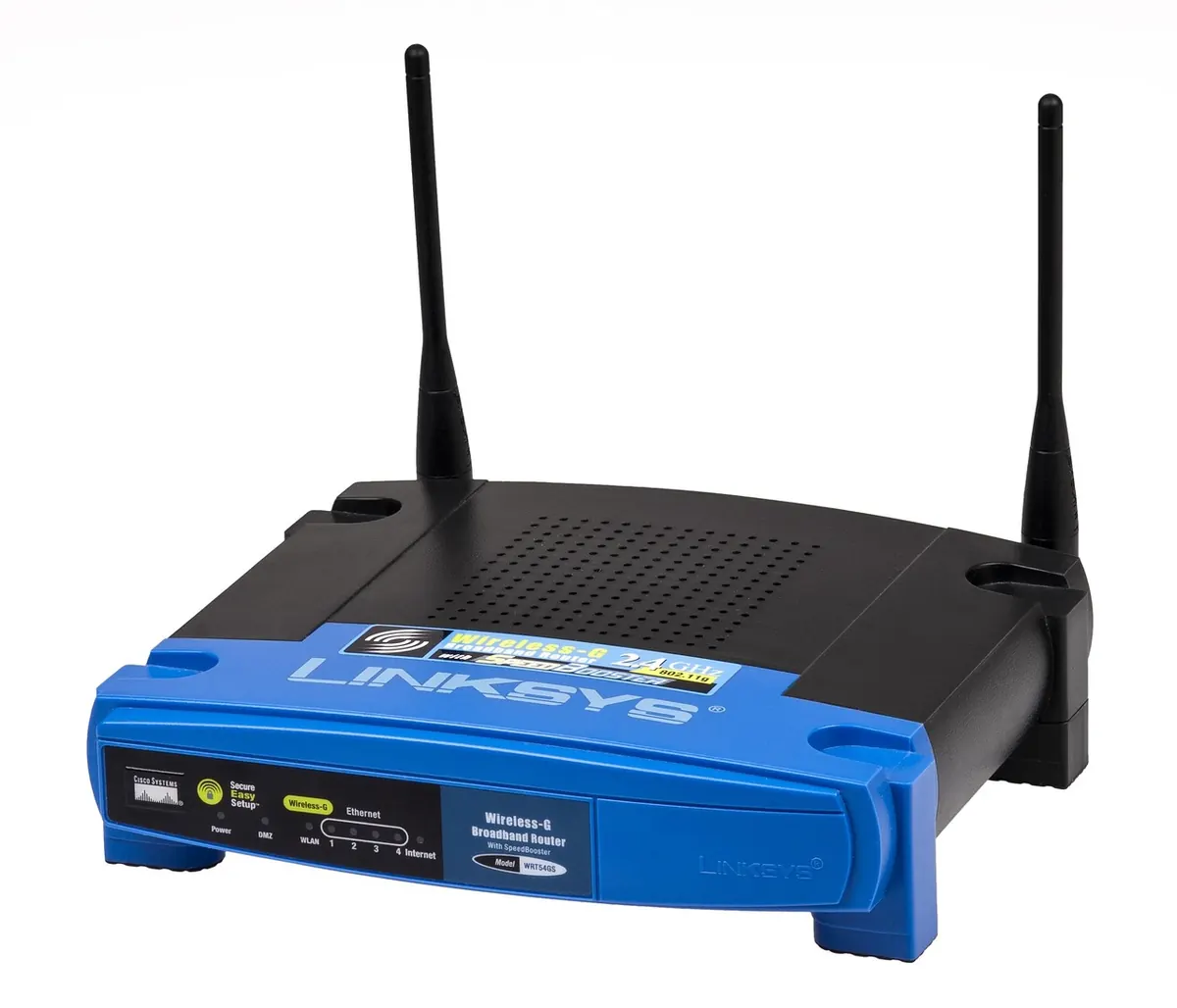
Someone visits, asks for the Wi-Fi password, and you read it out. Harmless enough — except that the password they now hold is the same one protecting your laptop, your smart speaker, your printer and the router itself. It also stays valid long after they have gone home. A guest network fixes that: a second Wi-Fi name that shares your broadband line but keeps visitors at arm's length. On most UK home routers, it takes about five minutes.
A guest network is a second SSID broadcast by the same router. Guests connect with a different password and, on most modern routers, are isolated from everything else on your network. They can browse, stream and make video calls. What they generally cannot do is see your NAS drive, open the printer's web page or reach the router's admin screen.
That isolation is the real benefit. If a visitor's phone is carrying something unpleasant, it has far fewer places to spread. The same logic applies to the growing pile of smart plugs and cheap security cameras in your home: many have patchy security records, and parking them on a separate network is sensible housekeeping.
On congestion, be realistic. A guest network does not create extra bandwidth — your line is still the same pipe. What it gives you is separation and, on some routers, control: bandwidth caps, schedules and the ability to switch the whole thing off when the house empties.
Have three things to hand:
If your router came from your broadband provider, the feature may be there but tucked away. Sky's own hubs, for instance, have historically offered limited or no guest network options on some models. If you cannot find it, it is not you being clumsy.
Menu labels move around between firmware versions, so treat these as signposts rather than exact maps.
If your router has no such option at all, a mesh system or a separate access point will provide it, usually with better coverage thrown in.
A few settings are worth a look once the basics work. Some routers cap guest download speeds, which stops one visitor's 4K stream flattening everything else. Others let you schedule the guest network to switch off overnight. Enable both if you can find them.
Guests on an isolated network cannot cast to your TV, print to your printer or use AirDrop to your laptop. If someone needs one of those things, move them to the main network temporarily rather than switching isolation off altogether.
The same applies to smart home kit. Plugs and cameras you control through a phone app generally work fine on a guest network, because the app talks to the cloud rather than to the device directly. Devices that rely on local discovery — some speakers, casting dongles, anything that pairs with your television — often will not. Test one device before moving twenty.
Remember, too, that a guest network is only as strong as the router behind it. If the admin password is still the default printed on the label, fix that first.
Most problems have a handful of causes. The guest option is missing because the firmware is old — check for an update in the router's settings or the provider's app. A guest device will not connect because the network is 5 GHz only, or WPA3 only; switch to mixed mode and enable 2.4 GHz. And if a guest can still see your other devices, isolation is off somewhere in the wireless menu, possibly under a different name.
Set the guest network up on a quiet evening, test it with your own phone, and write the password somewhere you will find it — a note on your phone is fine, as long as it is not the only copy. Next time someone asks, you hand over a password whose usefulness ends when they leave, without touching the settings that keep your own devices private.
It is one of the few security jobs around the home that takes minutes and needs no maintenance. Worth doing this weekend, rather than in the doorway with a visitor waiting.
Photo: WikimediaImages / Pixabay