Trending


If you live in a village, a hamlet or at the end of a long lane, you know the routine: the speed you get on a wet Sunday evening bears little resemblance to the figure a comparison site promised. Rural broadband in the UK is a patchwork of ageing copper, new fibre, mobile signal that shifts with the weather, and satellite. The good news is that most rural connections can be improved — sometimes with a single setting, sometimes by changing technology altogether. Here is how to diagnose the problem, fix what is free, and decide what comes next.
Before you spend anything, establish what is really happening. Run a speed test on a laptop plugged into the router with an Ethernet cable, not over Wi-Fi. Test three times: mid-morning, around 8pm, and late at night. Peak-hour figures tell you far more than any headline number.
Then open the router's admin pages and look at the line statistics — sync speed, noise margin, attenuation, error counts. If the sync speed itself is low, the problem is the line, and no amount of Wi-Fi tuning will fix it. If the sync speed is healthy but your devices crawl, the problem is inside the house, which is usually the cheaper one to solve.
Rural properties are often old, long or solid-walled, and all three play havoc with Wi-Fi. Work through these before buying anything:
Comparison sites only know about the providers that pay them. Look at Ofcom's coverage checker, the Openreach postcode checker and any local alternative network builders. Full fibre is turning up in places nobody predicted, and an altnet may reach your lane before the incumbent does.
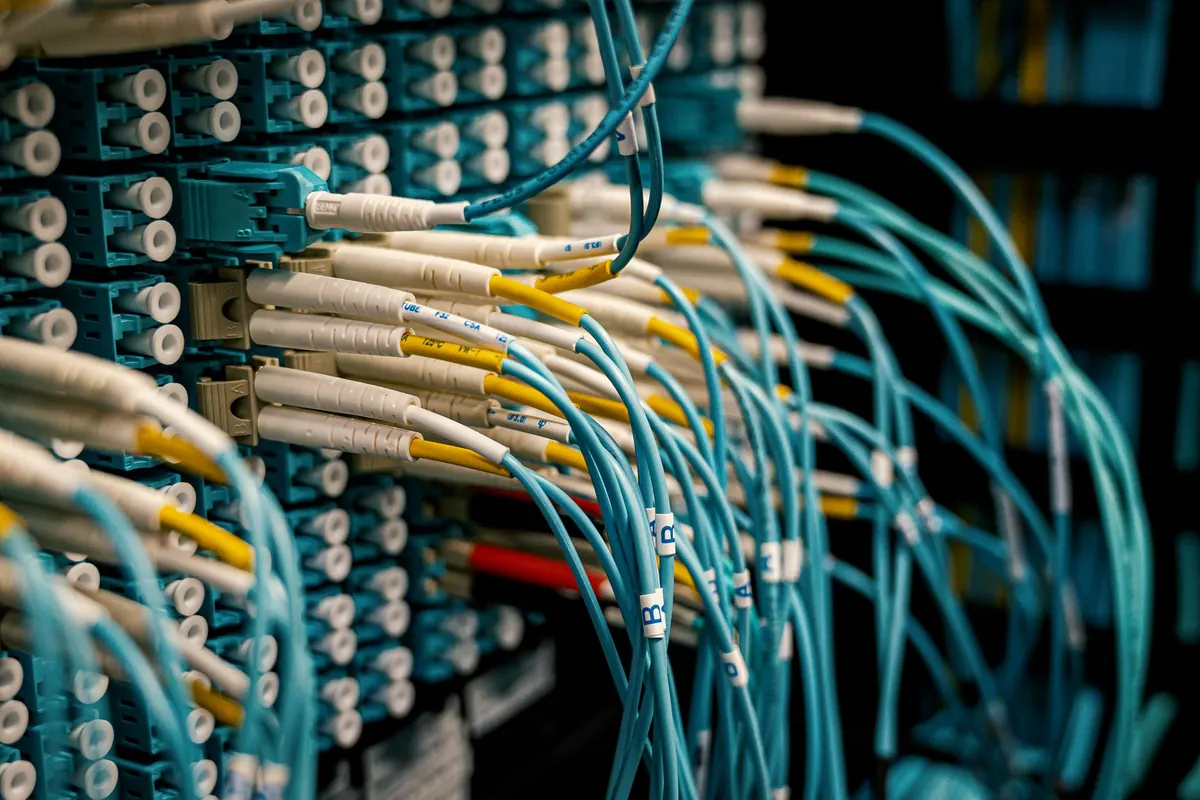
Know the terms. FTTP means fibre all the way to the property, so distance from the exchange is irrelevant. FTTC runs fibre to the street cabinet and copper for the last stretch, and speed falls off quickly with distance — on a long line, this is often the entire problem. ADSL is copper from the exchange: slow, and still the only option in the most remote spots.
There are also publicly funded programmes and voucher schemes intended to help rural premises get connected. Ask your local authority's broadband team what is live near you, and register your interest even if nothing is planned yet, because builds are often prioritised by expressed demand. Under the Universal Service Obligation you can request a connection of at least 10 Mbit/s download and 1 Mbit/s upload, though if the cost of building to you exceeds a set threshold, the provider can ask you to cover the difference.
Where mobile coverage is decent, a 4G or 5G router is often the fastest improvement available. It arrives in days, needs no engineer visit, and can comfortably outperform a long copper line. Test properly first: walk around with a phone on each network and check both signal strength and real download speeds. Coverage maps are a guide, not a promise, and 5G is frequently shown as outdoor-only.
What makes the difference:
Satellite works where nothing else does, but the two types behave very differently. Geostationary services sit tens of thousands of kilometres up, so the round trip is noticeable: browsing and email are fine, but video calls feel stilted and gaming is frustrating. Newer low Earth orbit services fly far closer to the ground, bringing latency down to something much closer to a normal connection, with speeds that handle streaming and calls for a household.
Both need a clear view of the sky in the right direction, and trees, roofs and heavy rain all affect performance. Monthly costs are usually higher than a comparable fibre deal, so satellite makes most sense where no fixed line is coming, or as a stopgap while you wait for a build. Check the contract length and what happens if fibre later arrives on your lane.
If you are not alone in your problem, say so collectively. Parish councils and informal neighbour groups have started more rural builds than any single complaint. Register interest with providers, tell your local authority broadband officer, and ask whether voucher funding is currently open. Providers watch demand registers closely; a cluster of addresses on one lane is a far more attractive proposition than one frustrated household.
Most rural connections improve in stages rather than one leap. Get the diagnosis right, exhaust the free fixes, then choose the technology that matches what is genuinely available at your address. And as with any contract, read the terms on minimum guaranteed speed, price rises and exit fees before you sign — a connection that is fast on day one but expensive to leave is not much of a win.
Photo: 12019 / Pixabay